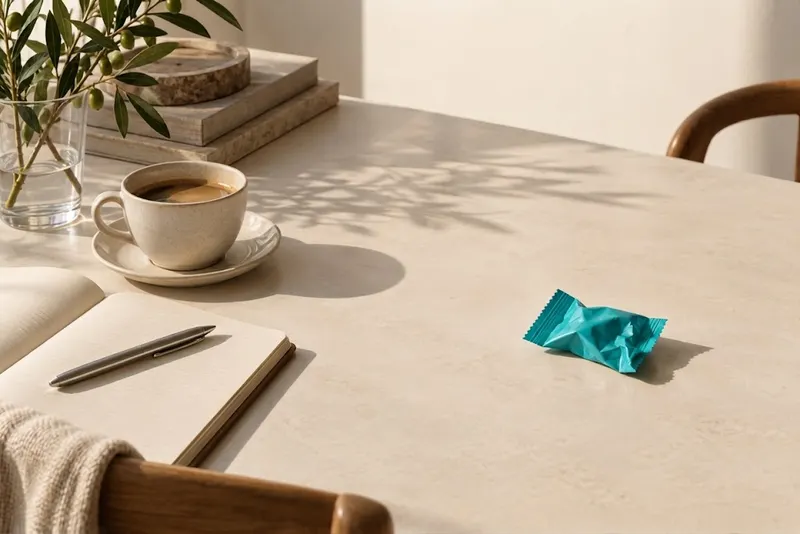
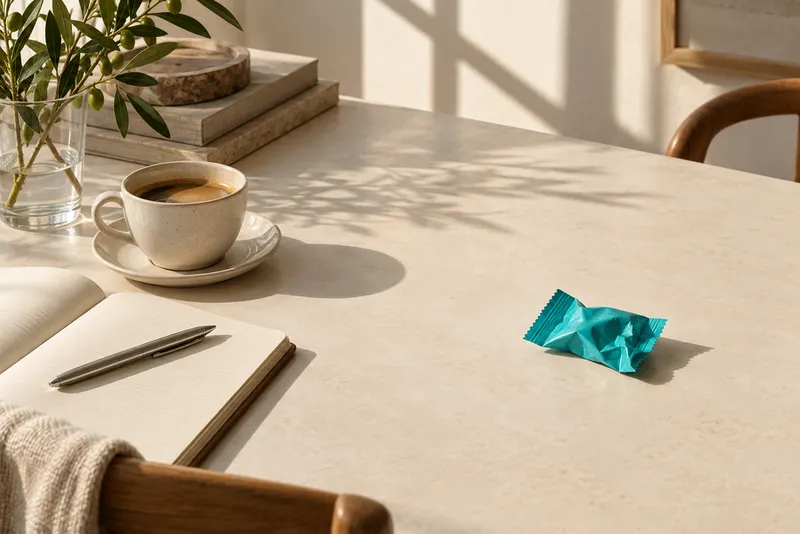
Can AI remove shadows without changing the rest of the photo?+
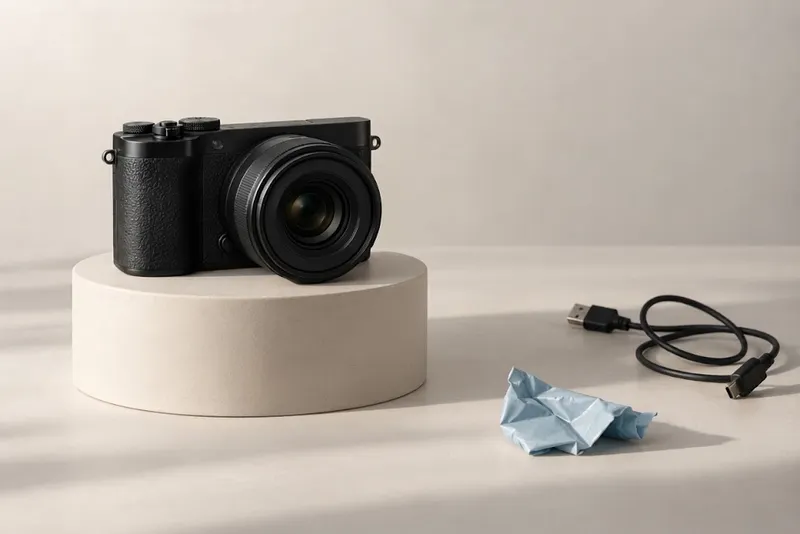
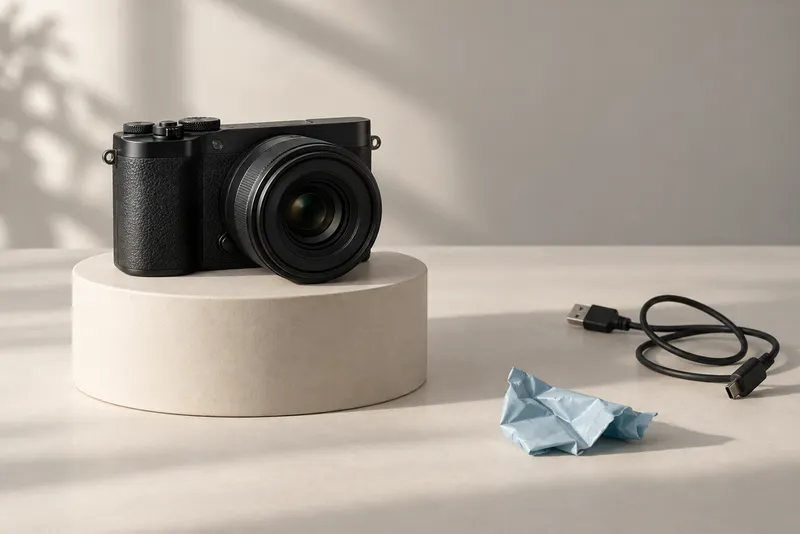
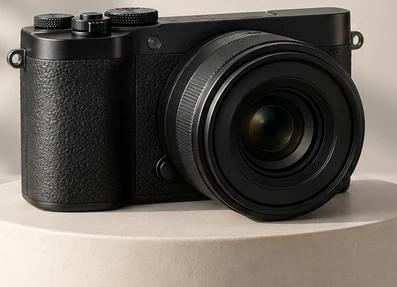
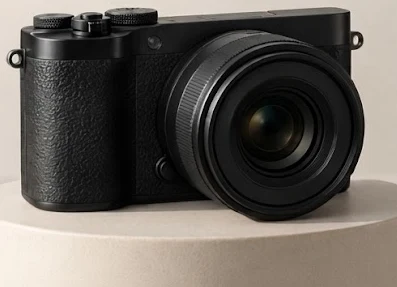
The edit is instructed to preserve the scene while changing unwanted shadows. Because it is generative, small details elsewhere can change. Compare important areas with the original before using the result.
Can I remove a shadow from a face?+
This release does not offer a dedicated Portrait preset. Generative shadow edits may change facial features or skin texture. For a face that must stay exact, use local tonal adjustments and compare closely with the original.
Can I remove my phone’s shadow from a document photo?+
The tool may lighten a shadow on paper, but generative editing can alter writing and punctuation. This release has no dedicated Document preset and does not edit PDFs. Use scan enhancement or a better-lit retake for important text and numbers.
Can I keep a natural shadow under a product?+
The Product preset asks the AI to retain a soft contact shadow while reducing distracting cast shadows. Describe the shadow to keep if needed, and check the product’s base, labels and edges afterward.
Can it restore details hidden in a very dark shadow?+
If the original contains little usable detail, the AI may draw plausible replacements. Those are not a verified recovery of the original. Use a brighter source or retake the photo when accuracy matters.
Can I use it on an iPhone or Android phone?+
Use the tool in a modern mobile browser and upload a JPG, PNG or WebP. Convert HEIC photos first if needed. There is no native app to install.
Is the shadow remover free?+
Each new shadow edit costs 2 product credits and requires an account. You can inspect the public examples before deciding to edit. Downloading a completed result does not use another generation credit.
Is my photo private?+
Working files and results require account access. This service’s working uploads and results each expire after 30 days. An external AI provider processes the image and has separate retention terms. See the Privacy Policy for details.



 OriginalEdited